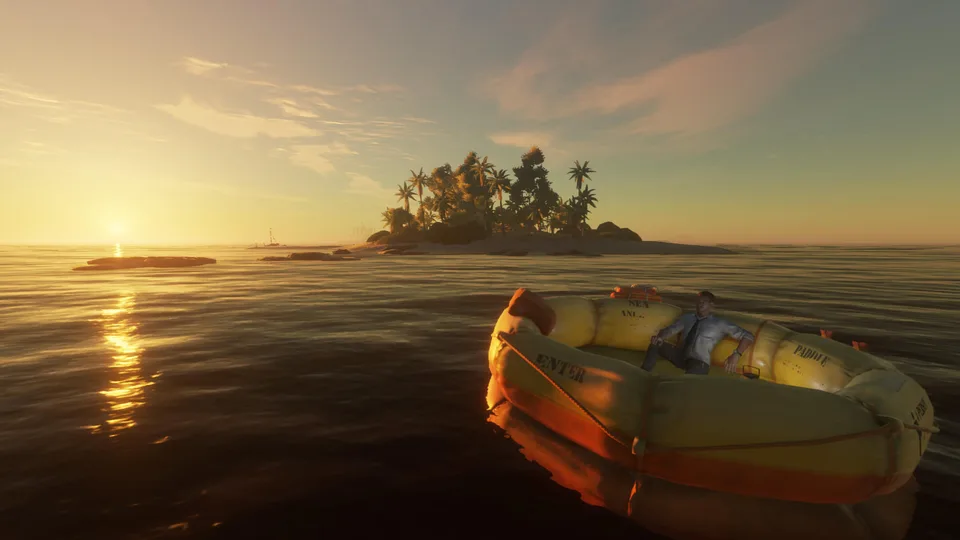
Encountering the stranded deep brick bug pc? Learn how community reports and patches resolved crafting issues for Beam Team Games' survival title.
Published: Stranded Deep Wiki Editorial Team
Table of Contents
Understanding the Stranded Deep Brick Bug on PC
Survival games thrive on base building, making crafting obstructions immensely frustrating for players trying to secure their endgame. If you have been searching for solutions regarding the stranded deep brick bug pc, you are definitely not alone within the community. When vital crafting materials like brick scrap stop functioning properly after a game update, it halts progression entirely and leaves players stranded without proper shelter upgrades.
For players experiencing the stranded deep brick bug pc, knowing the context of these version changes helps clarify why core mechanics suddenly fail. Developed by Beam Team Games on the Steam Platform, the survival title frequently receives updates that occasionally introduce unexpected glitches alongside critical fixes. This guide breaks down what the community experienced, how patches addressed the problem, and general troubleshooting steps for related mechanical issues.
Community Reports and Patch History
When evaluating software errors, community feedback provides invaluable insight into how widespread a problem is. According to a player experience thread on the official forums, multiple users reported that crafting brick scrap became entirely impossible following a November patch. Players attempted various troubleshooting steps, but the interaction remained unresponsive across multiple saves.
The following table summarizes the reported timeline and community findings regarding the brick crafting breakdown:
Date / Version
Reported Status
Community Observations & Troubleshooting
Nov 22, 2021 (v0.90.04)
Bug Introduced
Brick scrap crafting failed; deconstructing furnaces and restarting failed to fix it.
Nov 24, 2021 (v0.90.08)
Resolved
Developers rolled out a swift hotfix confirming the resolution of the crafting block.
Ongoing Reports
Investigated
Minor UI desyncs and interaction hitboxes occasionally mirror past obstruction symptoms.
General Troubleshooting for PC Survival Glitches
While hotpatches directly resolve major roadblocks like the brick crafting error, other erratic glitches frequently pop up during normal survival sessions. Dealing with physics quirks, audio bugs, or menu desyncs requires a methodical approach to ensure your progress remains safe.
Exit without saving if a temporary game-breaking input glitch occurs during tool animations.
Reload your world save if ambient audio loops or interface text fails to update automatically.
Verify game file integrity through Steam if crafting stations or building blocks behave erratically.
The table below outlines common unexpected behaviors reported by players and their typical mitigation steps:
Glitch Category
Typical Symptom
Recommended Action
Crafting / Stations
Inability to interact with brick stations or output scrap
Check for pending game updates or verify local files via Steam.
Audio Desyncs
Fire sounds playing in empty, random locations
Save, exit to menu, and reload your current world slot.
Physics / Collisions
Sharks swimming through clay or corrugated foundations
Avoid building directly on clipping boundaries; reload save.
Menu Settings
Audio sliders or crosshair settings resetting upon load
Manually readjust settings and reload the save state.
Managing Custom Islands and Cartographer Issues
Beyond survival crafting errors, builders who spend time in the Cartographer feature often encounter distinct performance hurdles. Custom islands can sometimes trigger heavy frame drops or missing assets if generated improperly.
Tip
When designing custom layouts, keep in mind that dense object placement can temporarily spike performance loads. Always save your progress frequently before entering or exiting editors to prevent data loss.
Here is a quick overview of structural oddities associated with custom world creation:
Custom Island Stutter
Large or densely populated custom islands can drastically reduce frame rates when rotating the camera quickly. Ensure your hardware drivers are updated to mitigate rendering lag.
Missing Boss Spawns
Sharks and bosses on custom layouts may occasionally fail to spawn correctly. Exiting and reloading the game session usually resets the instance triggers.
Frequently Asked Questions
What caused the stranded deep brick bug pc issue?
Community reports indicate that update version 0.90.04 inadvertently broke the interaction required to craft brick scrap at the furnace and brick station, halting endgame base building.
How was the brick crafting problem resolved?
Beam Team Games released version 0.90.08 shortly after player reports surfaced, which successfully patched the crafting block and restored normal brick production.
Are there temporary fixes if similar crafting bugs occur?
If you encounter unexpected crafting blocks, standard community troubleshooting involves reloading your save, rebuilding the crafting station, or verifying game files through Steam.